How to pay your service charge
Pay your service charge balance online in a few minutes using a debit or credit card through the resident portal.
Step 1: Log in to the resident portal
Sign in to your account on the resident portal. If you don't have an account yet, follow our guide on creating a service charge account first.
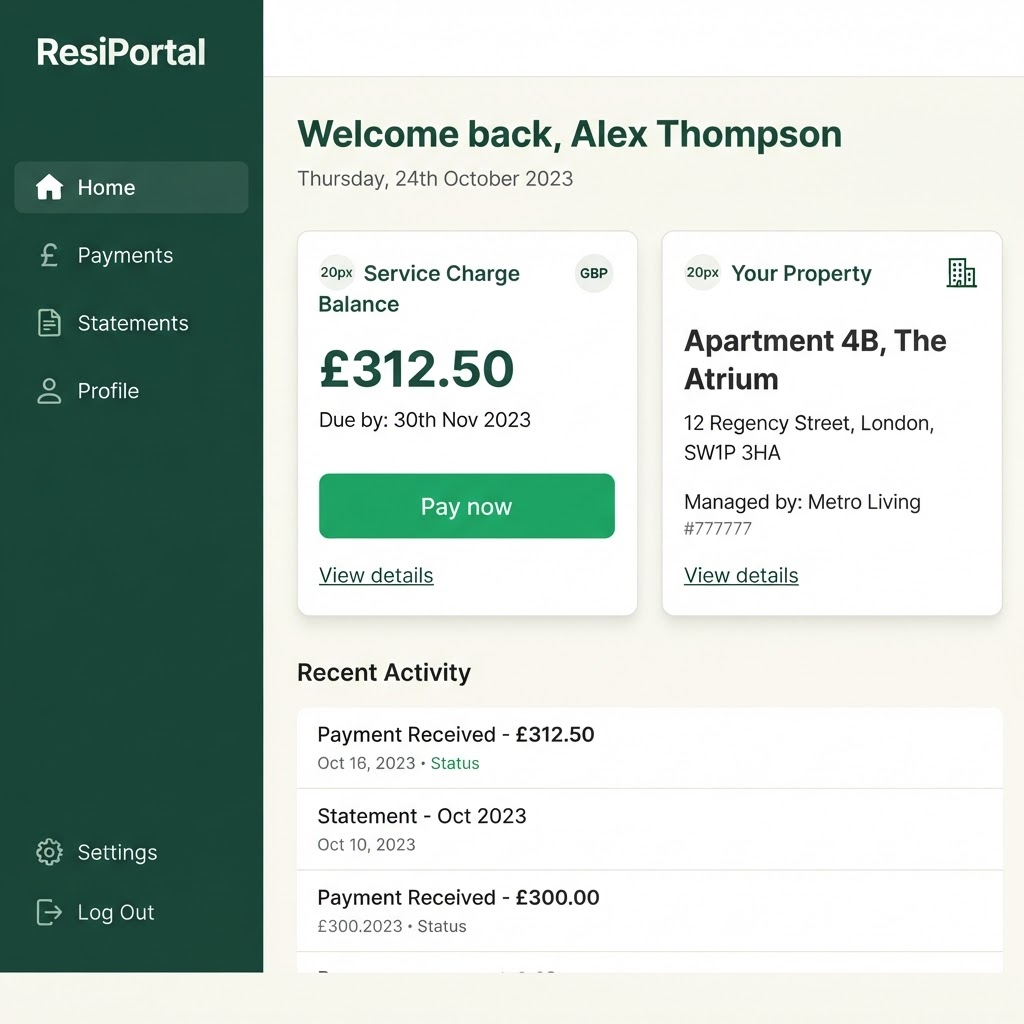
Your current balance is shown on the dashboard. Step 2: Open the Payments tab
From the left-hand menu, select "Payments". Here you can see your outstanding balance, review previous payments, and choose how much to pay.
You can pay the full balance or make a part payment if you've agreed a plan with the management office.
Step 3: Make your payment
Select "Pay now" to open the secure payment page. Enter your card details and confirm the amount, then submit your payment. Payments are processed by our secure payment provider.
Go to the secure payment pageYou'll be taken to our payment provider's secure site. Return here afterwards to finish.
Step 4: Save your receipt
Once your payment is confirmed, you'll see a receipt on screen and receive a copy by email. Your updated balance appears on your dashboard within a few minutes.
We recommend keeping the receipt email for your records.
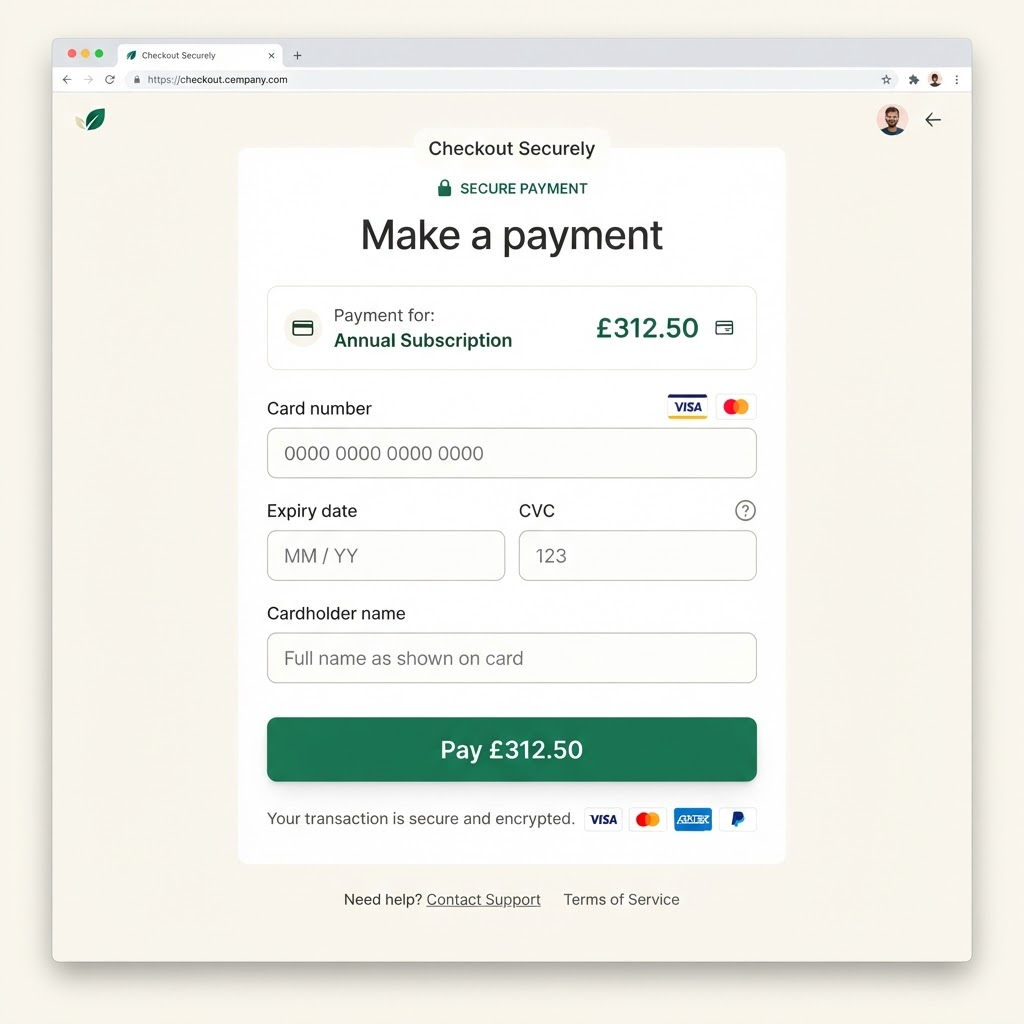
Confirm the amount and complete payment on the secure page.